Containers, Pods, and Clusters: The Core Kubernetes Concepts Made Simple
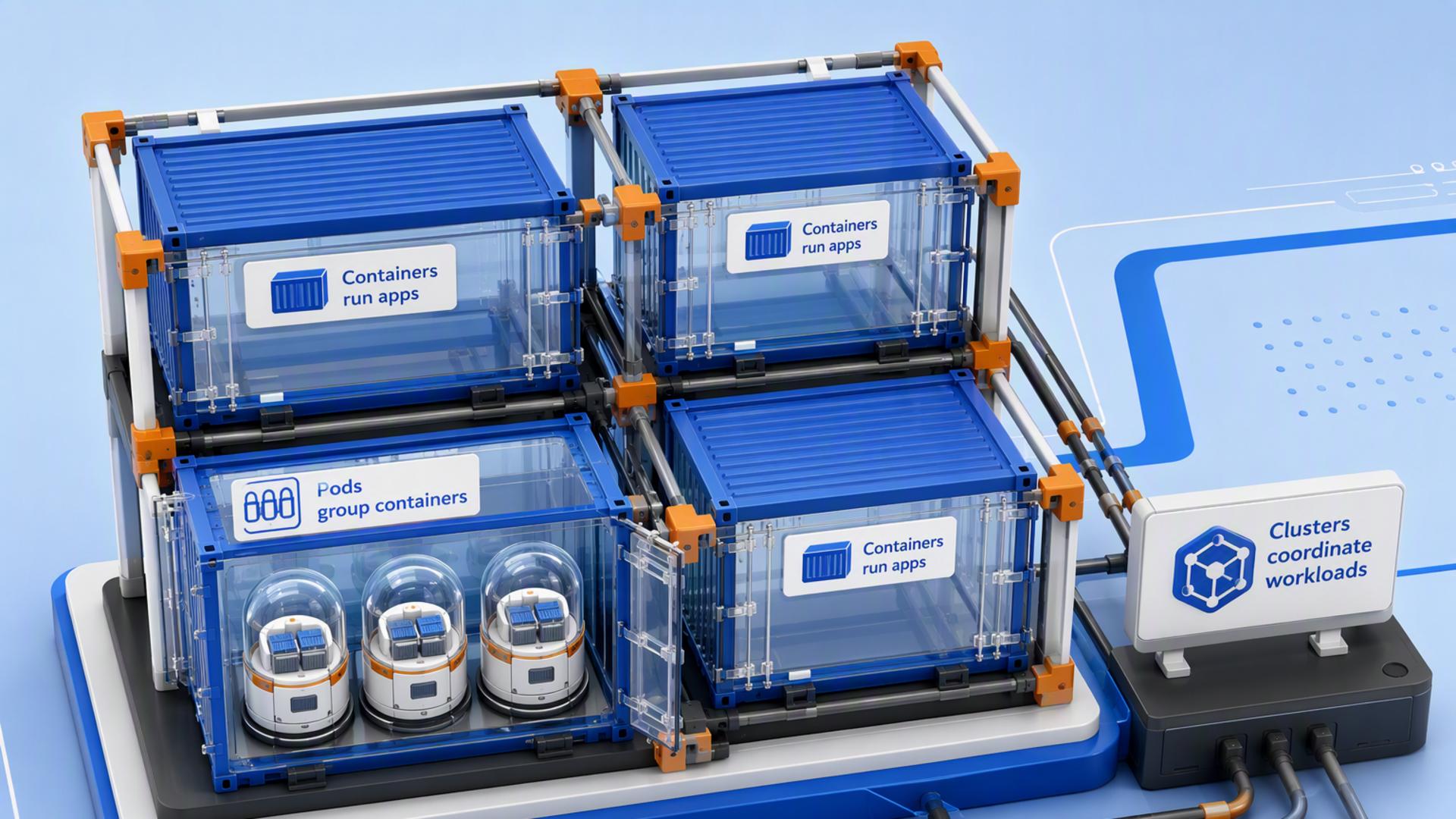
Containers have become the standard way to package and run modern applications, and Kubernetes has become the leading platform for managing them at scale. Yet for many beginners, understanding where containers, Pods, and clusters fit into the bigger picture can be confusing because these terms are often introduced together without explaining how they relate. This guide breaks down each concept in a clear, logical order, showing what each one does, why it matters, and how they work together to keep containerized applications running efficiently.
What Are Containers?
A container is a lightweight package that includes an application and everything it needs to run, including its code, runtime, libraries, and dependencies. Because everything is bundled together, the application behaves consistently across different environments, from a developer's computer to a production server.
Unlike virtual machines, containers share the host operating system's kernel instead of running a separate operating system for each instance. This makes them more efficient, allowing applications to start quickly while using fewer system resources.
Containers are created from container images, which serve as reusable templates for launching identical application instances. This portability and consistency have made containers the standard way to build and deploy modern, cloud-native applications.
What Are Pods?
A Pod is the smallest deployable unit in Kubernetes. It contains one or more containers that run together and share the same network, storage, and lifecycle. Although a Pod can include multiple containers, most applications run in a single-container Pod.
If containers already package applications, why introduce another layer? While containers provide everything an application needs to run, they don't define how closely related containers should work together. A Pod solves this by grouping containers that need to share resources and operate as a single unit.
Rather than managing individual containers, Kubernetes manages Pods. This approach provides a consistent way to deploy and run containerized applications, whether a Pod contains one container or several working together.
What Are Kubernetes Clusters?
If you're new to the platform, understanding what is Kubernetes can help you see how a cluster fits into the bigger picture. A Kubernetes cluster is a group of machines that work together to run and manage containerized applications. It provides the environment where Pods are deployed, allowing applications to run across one or more servers instead of relying on a single machine.
Every cluster consists of two main parts: the control plane and the worker nodes. The control plane manages the overall state of the environment, while worker nodes host the Pods that run your applications.
By distributing workloads across multiple machines, a cluster improves scalability, availability, and fault tolerance. If demand increases or a server becomes unavailable, Kubernetes can continue running applications by using the resources available across the cluster.
Containers vs. Pods vs. Clusters: Key Differences at a Glance
|
Feature |
Container |
Pod |
Cluster |
|---|---|---|---|
|
Purpose |
Packages and runs an application with its dependencies. |
Groups one or more containers into a single deployable unit. |
Provides the environment for running and managing Pods across multiple machines. |
|
Contains |
Application code, runtime, libraries, and dependencies. |
One or more containers that share networking and storage. |
Worker nodes, a control plane, and the Pods running on them. |
|
Scope |
Individual application instance. |
A single workload running one or more related containers. |
The entire Kubernetes environment. |
|
Managed By |
Container runtime (such as containerd or CRI-O). |
Kubernetes. |
Kubernetes control plane. |
|
Primary Role |
Ensures applications run consistently across environments. |
Simplifies deployment and lifecycle management for containers. |
Coordinates workloads, resource allocation, and application availability. |
|
Example |
A container running a web application. |
A Pod containing the web application container. |
A production environment hosting multiple applications across several servers. |
How Containers, Pods, and Clusters Work Together
The process begins when a developer packages an application into a container image. When the application is deployed, Kubernetes creates a Pod based on that image. The Pod is then placed on a worker node within a cluster, where the application starts running.
From there, the cluster continuously manages the workload. If additional capacity is needed, Kubernetes can run more Pods across available nodes. If a node becomes unavailable, the platform can recreate affected Pods on another healthy node to help keep the application running.
You can think of the relationship like this:
Application → Container Image → Pod → Worker Node → Cluster
Each layer has a specific role. Containers package the application, Pods provide the environment in which containers run, and the cluster supplies the infrastructure and management needed to keep workloads available and scalable.
Why Understanding These Core Concepts Matters
Containers, Pods, and clusters form the foundation of Kubernetes. Once you understand how they work together, it becomes much easier to learn more advanced features, such as Deployments, Services, autoscaling, and application networking, because they all build on these core concepts.
More importantly, understanding these fundamentals helps you troubleshoot issues, design reliable applications, and communicate more effectively with development and DevOps teams. Whether you're deploying your first application or expanding your Kubernetes knowledge, mastering these concepts gives you a solid foundation for everything that follows.
Conclusion
Understanding containers, Pods, and clusters is the first step toward learning Kubernetes. While each serves a different purpose, they work together to package applications, organize workloads, and provide the infrastructure needed to run them reliably at scale. By building a solid understanding of these core concepts, you'll be better prepared to explore more advanced Kubernetes features and confidently work with modern containerized applications.